

How to Turn Screen Time Into Active Learning: A Practical Guide for Parents (LKG to Grade 4)
EduModes Editorial Team
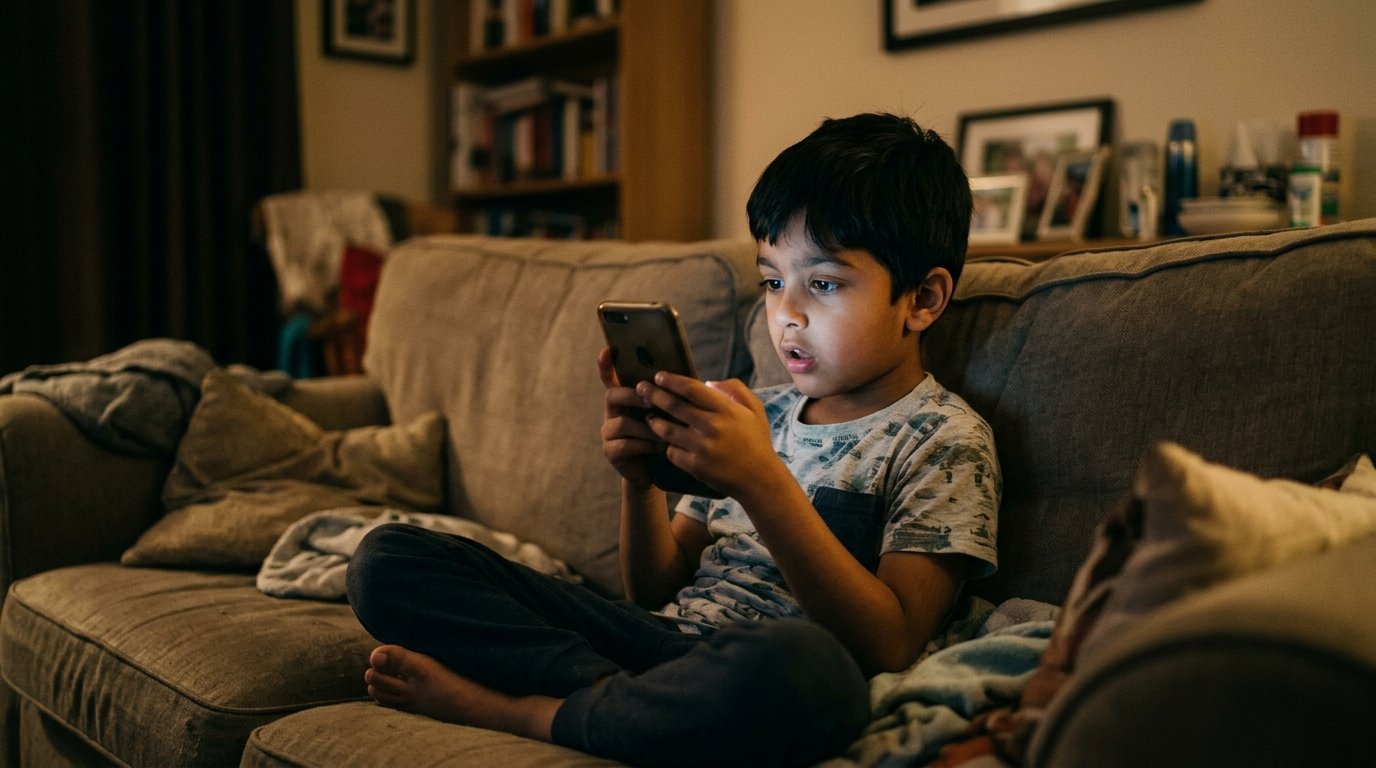
If you are a parent of a young child between 4 and 10 years old (LKG to Grade 4), you likely ask yourself every single day: "How do I manage my child’s screen time without endless arguments?" You hand your child a phone for 15 minutes while preparing dinner or taking an urgent work call, only to find them hours later glued to auto-playing YouTube shorts or cartoons, completely unresponsive when you call their name.
The truth is, complete screen prohibition is almost impossible in today's digital world. But child development research reveals a crucial distinction that most parents miss: the problem isn't the device itself — it is the mode of cognitive consumption taking place on the screen.
Key Educational Insight
Parents don't need to eliminate screens entirely. The goal is to systematically transition your child's habits from passive video scrolling (which drains attention spans) to active micro-learning (which fires problem-solving neural pathways).
1. Passive Consumption vs. Active Micro-Learning: The Neuroscience
To understand why children throw tantrums when a phone is taken away, we must look at what happens inside their brain during different screen activities:
Passive Screen Time
Watching auto-playing cartoons or short videos. Information flows in one direction while the child's brain enters a hypnotic state. Dopamine is released continuously without effort, resulting in irritability, reduced attention span, and emotional meltdowns when the device is turned off.
Active Micro-Learning
Single-concept interactive cards where the child must read, listen, analyze, and touch the screen every 5 seconds to solve a problem. Neurons associated with memory retention, logic, and self-confidence fire actively.
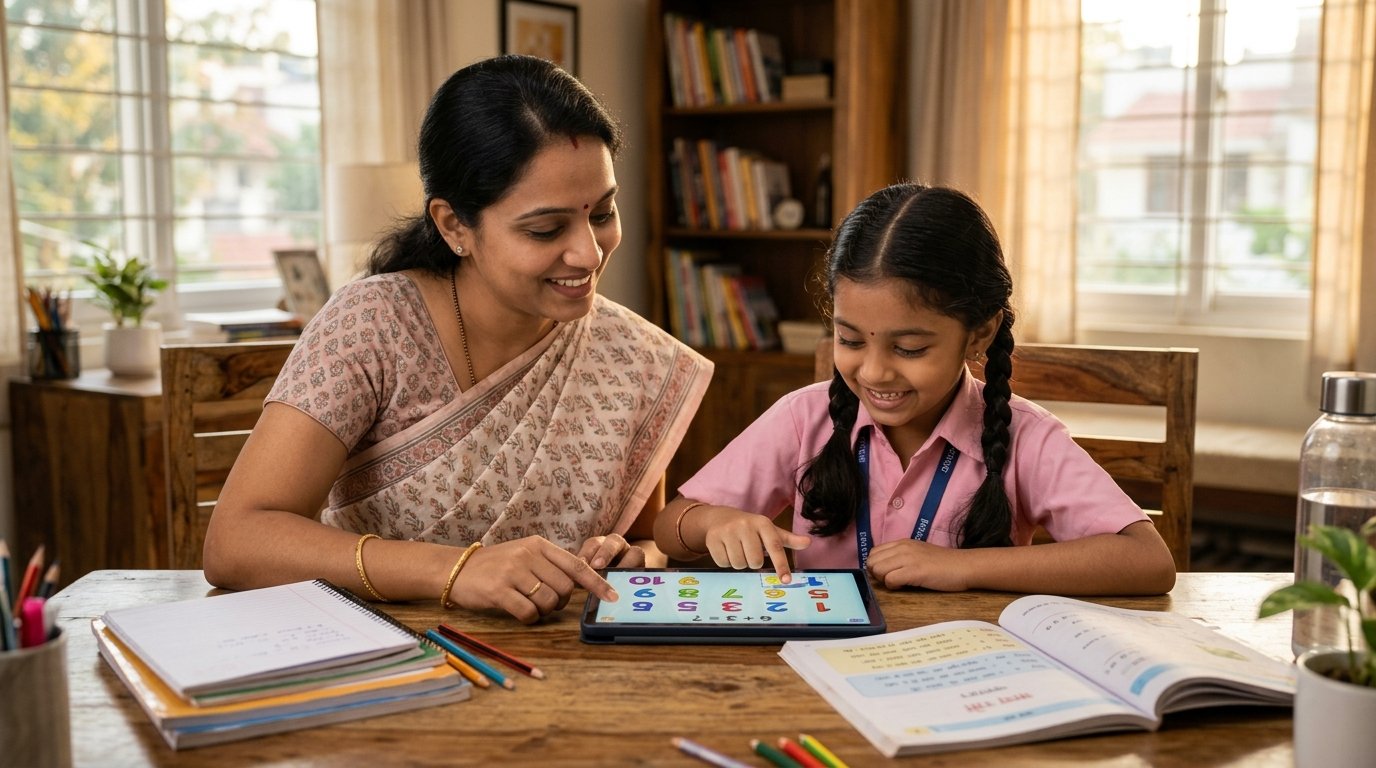
Active micro-learning creates shared joy and measurable academic progress at home.
2. Age-Wise Breakdown: How Screen Needs Change from LKG to Grade 4
🌱 LKG & UKG (Ages 4 to 6) — Visual & Auditory Foundations
At this stage, children learn best through clear visual shapes, colorful object counting, and phonics letter sounds. Long videos cause cognitive overload. Interactive 5-second flips—like tapping 3 apples on a ten-frame or selecting letter sounds—build foundational confidence.
📘 Grades 1 & 2 (Ages 6 to 8) — Interactive Problem Solving
Children are beginning to read simple sentences and tackle basic addition and subtraction. Screen time should feature immediate self-correcting feedback with audio hints so they learn from mistakes without adult nagging.
🎓 Grades 3 & 4 (Ages 8 to 10) — Self-Guided Mastery
Older primary students need challenges that encourage independent thinking—such as multi-step math logic puzzles, grammar sorting, and comprehension flips.
3. Five Practical Action Steps for Modern Parents
Replace Video Apps with Single-Card Educational Tools
Delete auto-playing video apps from home devices. Replace them with single-card micro-learning apps where the child must interact every 5 seconds.
Establish 15-Minute Chunked Sessions
Never let a child sit with a device indefinitely. Set a natural stopping point after 15 minutes of completed educational flips.
Make Screen Time a Shared Experience
Sit with your child for 3 minutes and ask: "Can you show me how you solved this math puzzle?" Shared interaction doubles retention.
Create Device-Free Family Zones
Keep bedrooms and dining tables strict zero-screen zones to preserve family bonding and healthy sleep habits.
Praise Cognitive Effort Over Results
When your child completes a tricky flip, praise their perseverance: "I love how hard you tried to figure that out!"
4. Frequently Asked Questions (FAQ)
Q: At what age can my child start using active learning flips?
EduModes flips are designed for children aged 3 to 10 (LKG to Grade 4). Early learners (LKG/UKG) benefit from picture-based counting and letter sound flips, while older children solve structured math and reading puzzles.
Q: How does bilingual audio help non-native English speakers?
Children often hesitate when learning in English because they fear making mistakes. Native Malayalam audio hints act as an emotional safety net, explaining the question clearly so the child can master English vocabulary without frustration.
Q: Is EduModes completely ad-free?
Yes, 100%. EduModes contains zero third-party advertisements, zero pop-ups, and zero hidden tracking, ensuring a completely safe digital environment for your child.
Explore 3,000+ Free Educational Flips Today
Transform screen time into an engaging learning adventure for LKG to Grade 4. Access interactive Math & English flips with bilingual audio support.
Transform how your child learns.
Give your child access to premium, distraction-free educational resources. Try EduModes today and build a better digital foundation.